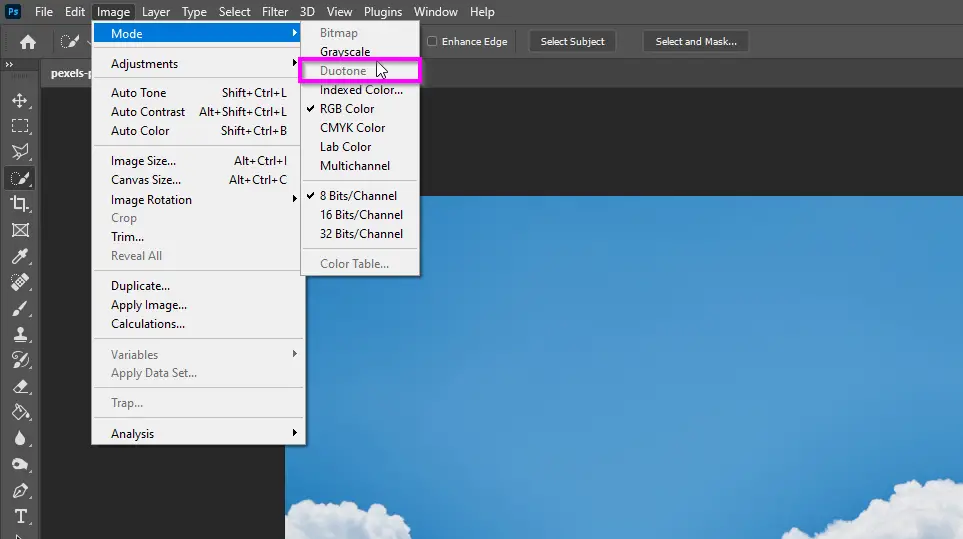
Why Duotone is Greyed Out in Photoshop: Quick Fix
The Duotone option in Photoshop is a great way to add a vintage or retro look to your images. However, … Read more

Articles on Adobe Photoshop tutorials, how-tos, common errors and fixes, program reviews, and comparisons.
The Duotone option in Photoshop is a great way to add a vintage or retro look to your images. However, … Read more
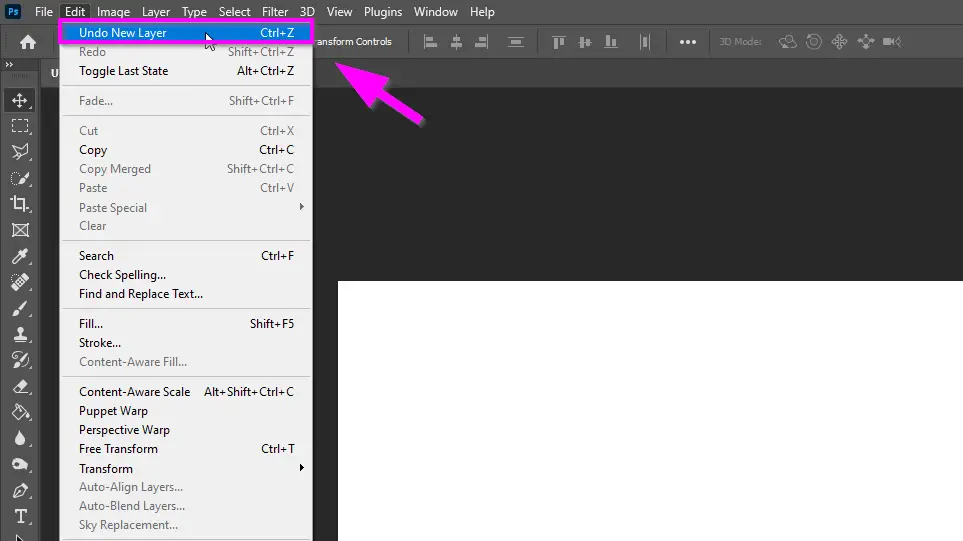
There are a few different ways to undo changes in Photoshop. The most common way is to use the Undo … Read more

Adding or removing a person from a photo is a common need in photo-editing. By using Adobe Photoshop, you can … Read more
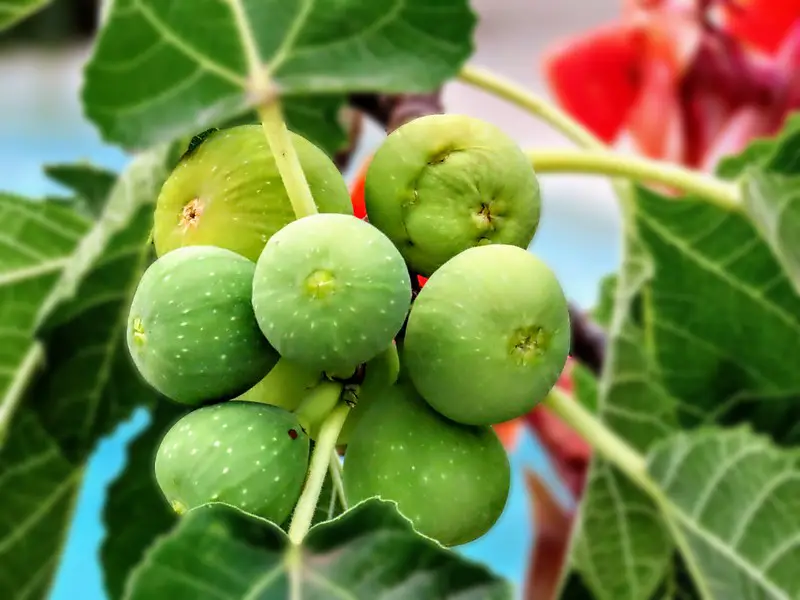
Blurring can be used in different ways in Photoshop such as creating a bokeh effect in Photography or simply hiding … Read more
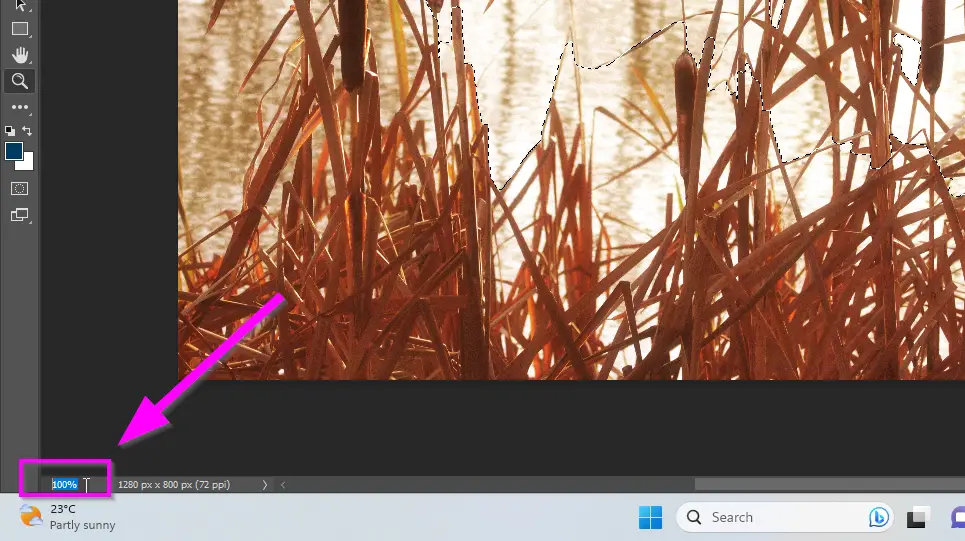
There are 6 different ways to zoom in on Photoshop, which method you choose to use will depend on the … Read more
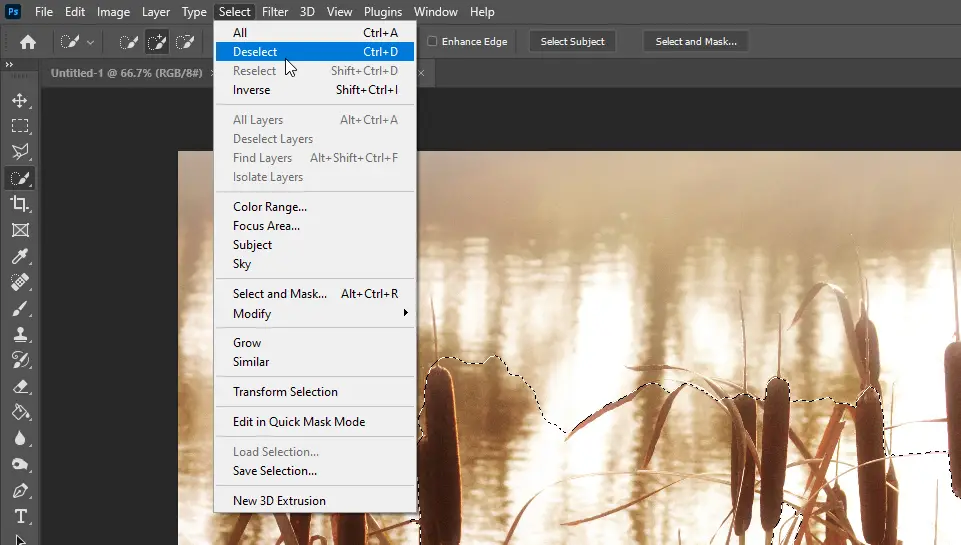
There are different ways to deselect an area in Photoshop. Here are three methods: 1. Use the Deselect menu item … Read more
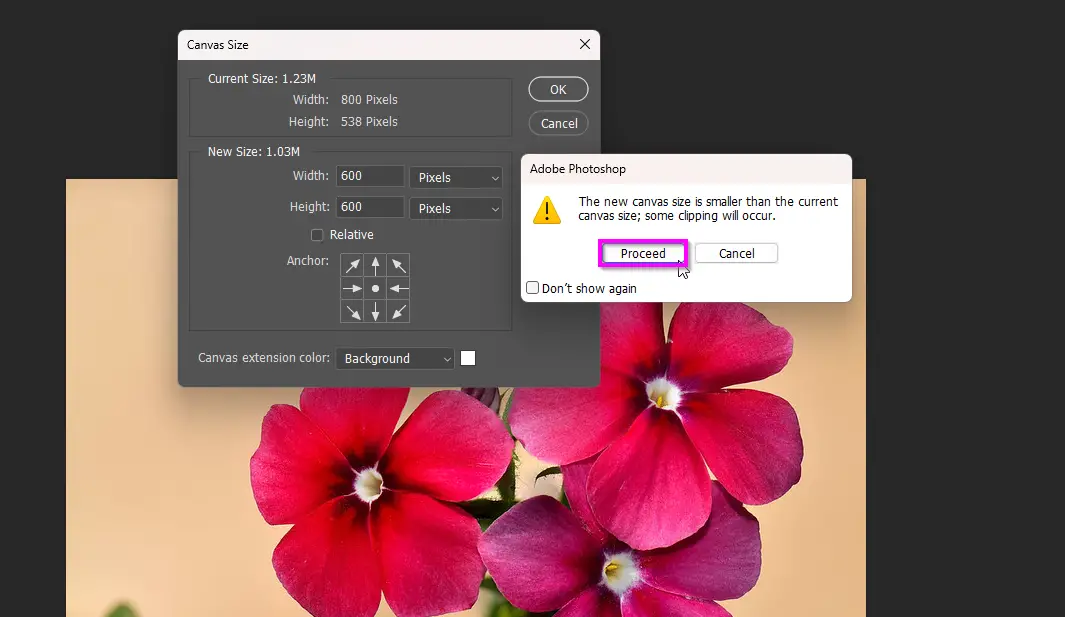
Resizing the canvas in Photoshop is a useful tool, but it can be frustrating when it crops your image. This … Read more
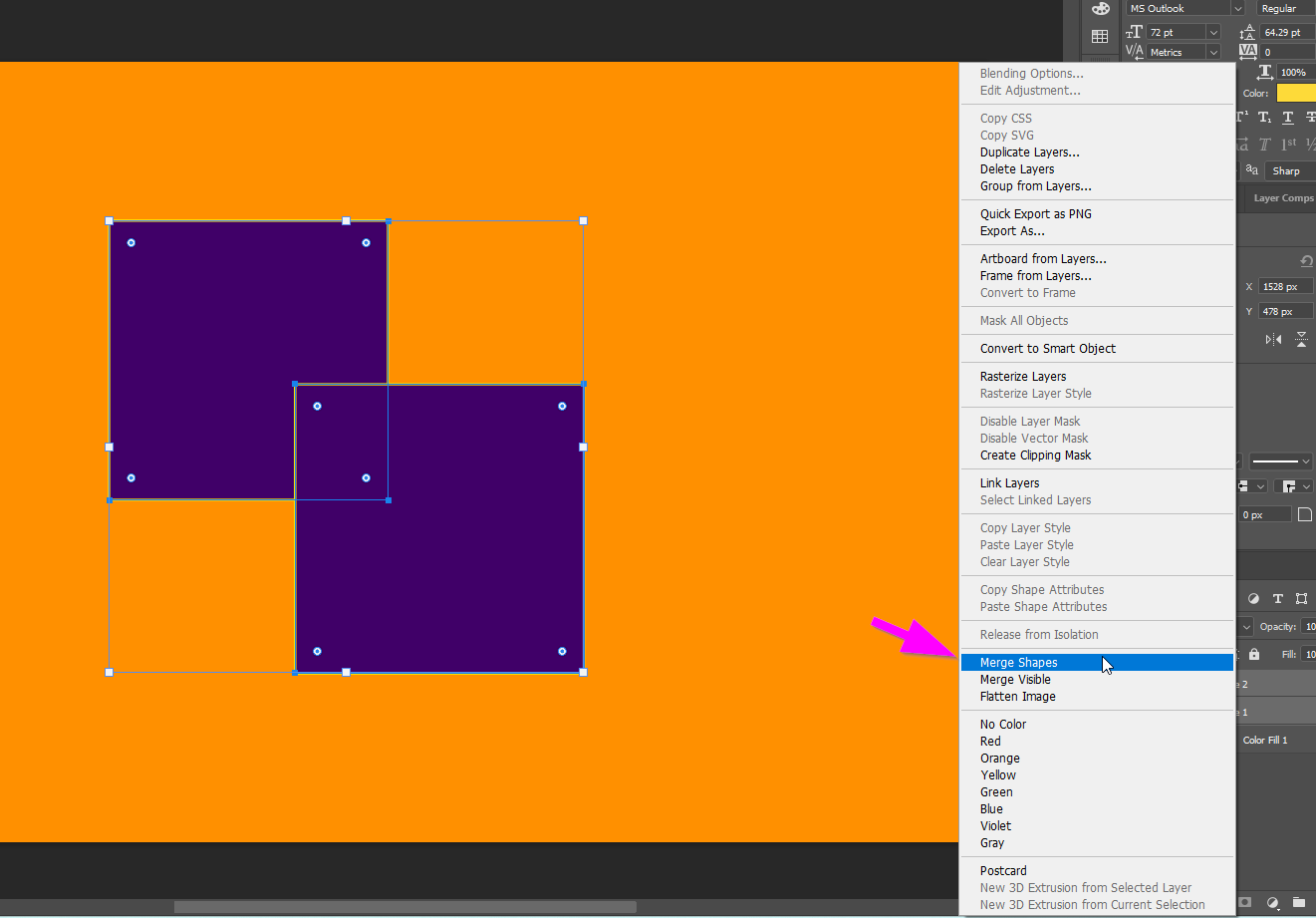
Working with paths in photoshop can be frustrating especially if you are used to Adobe Illustrator. There is no straightforward … Read more
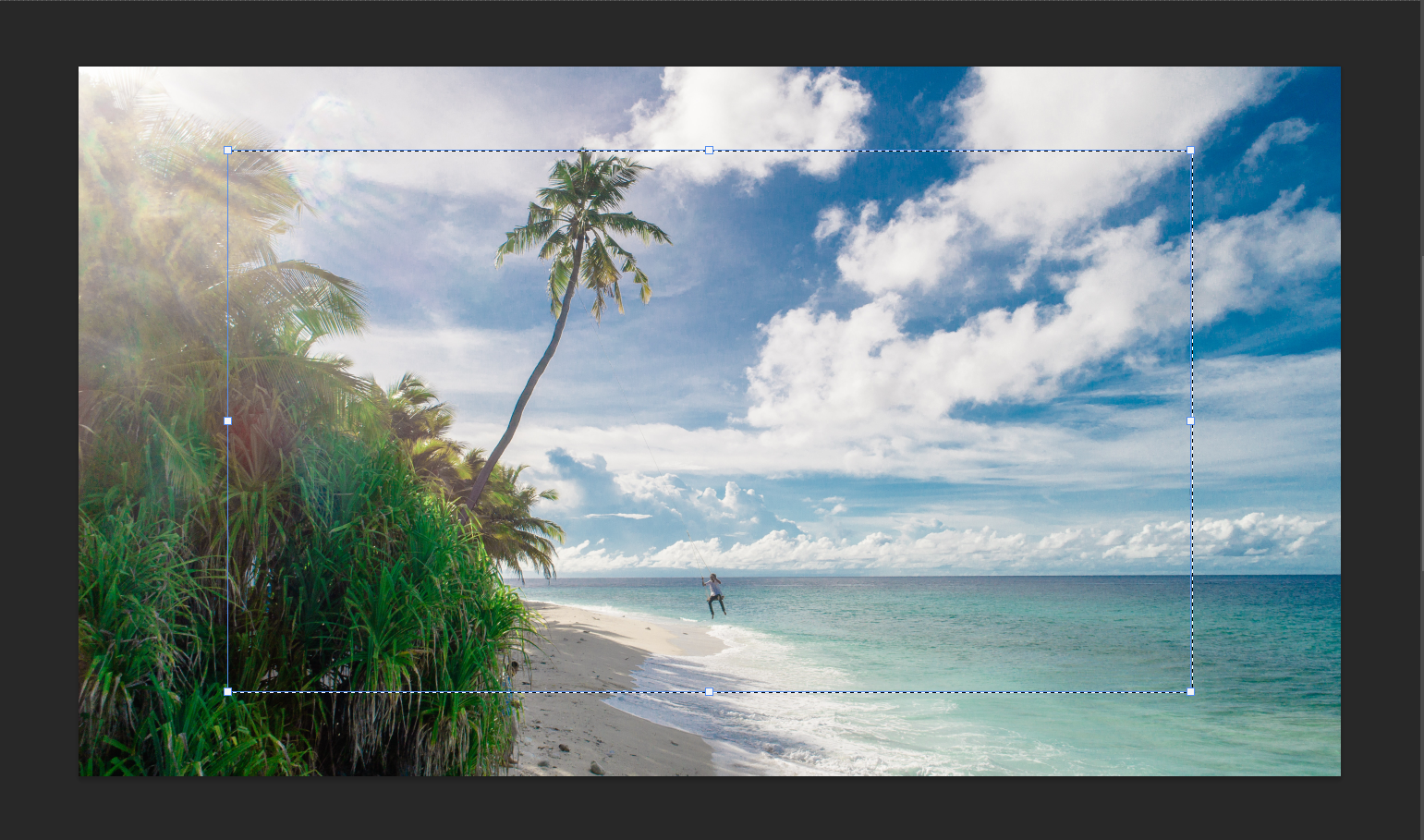
When it comes to cropping photos in Photoshop, maintaining the aspect ratio of the original image can be crucial. Fortunately, … Read more
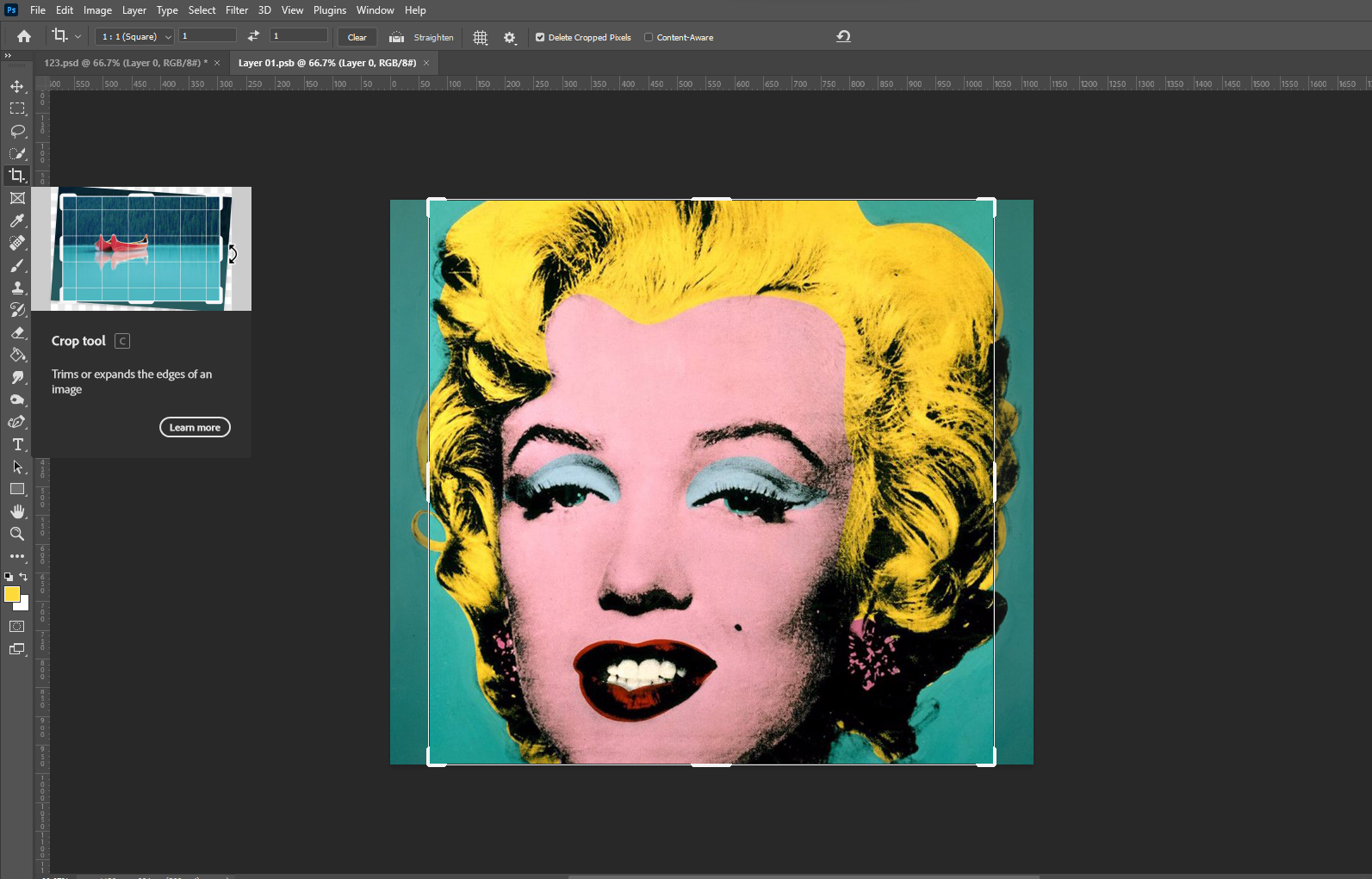
Cropping an image is a fundamental part of photo editing, and Photoshop offers a range of tools to achieve this. As … Read more